What is SmartCargo?
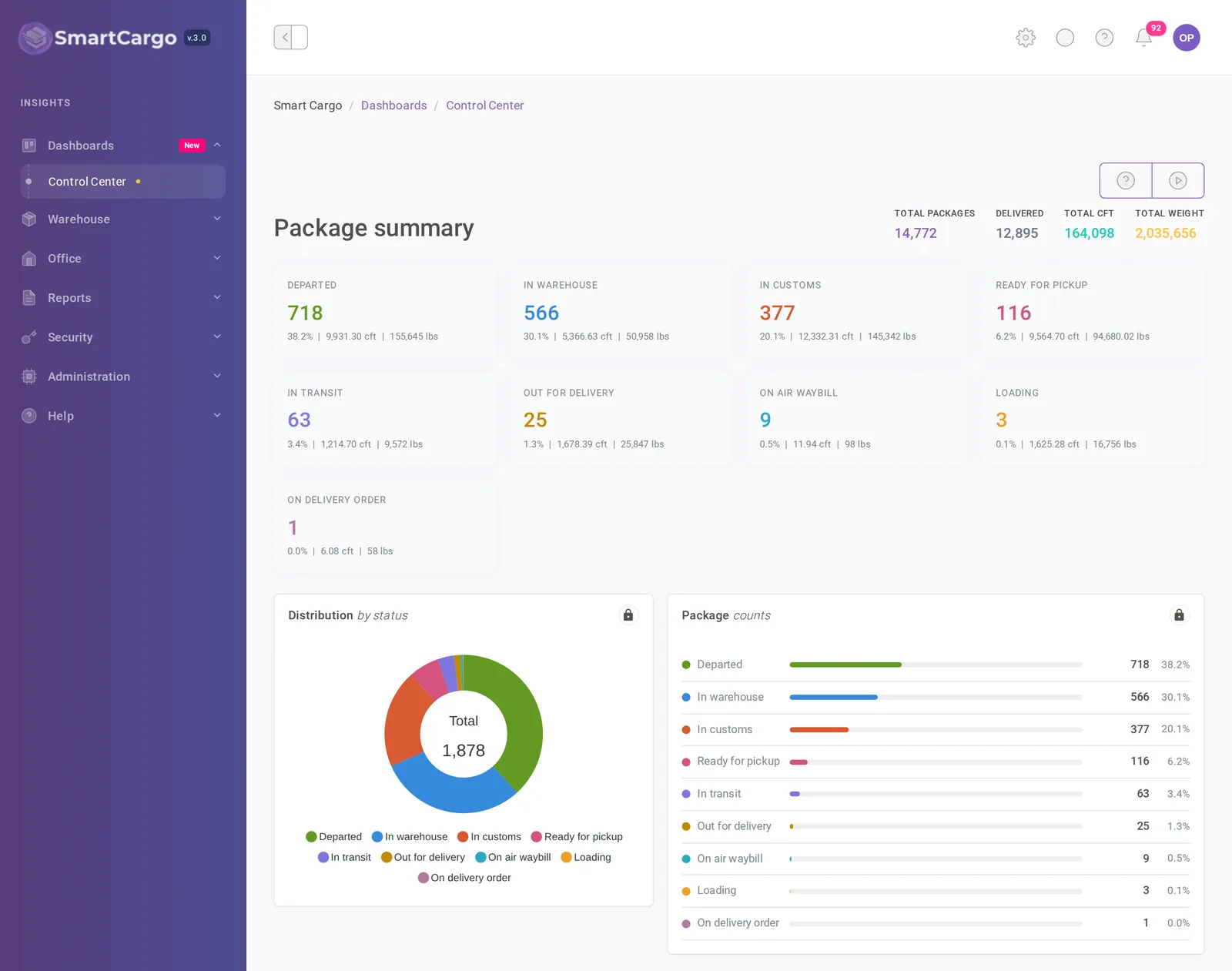
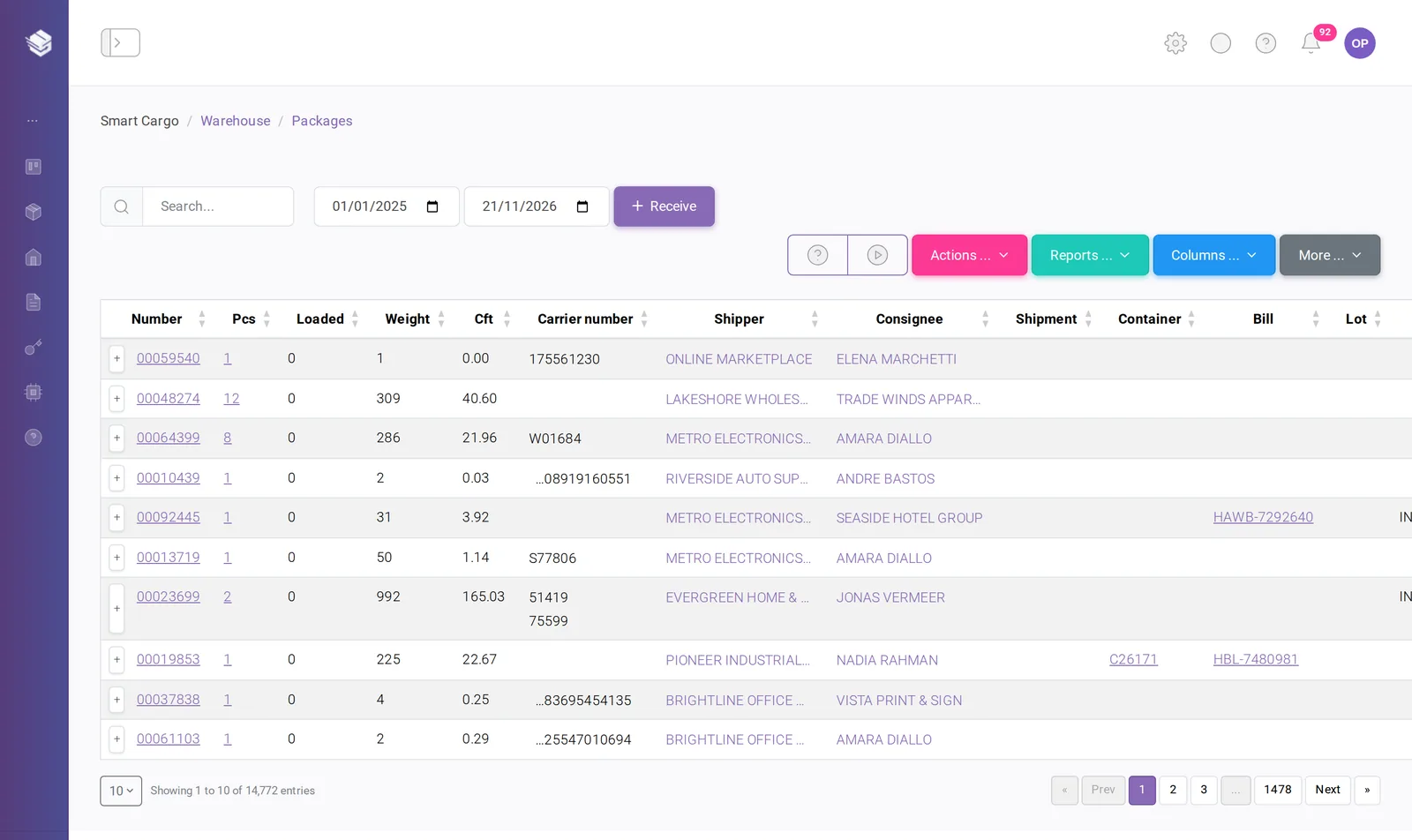
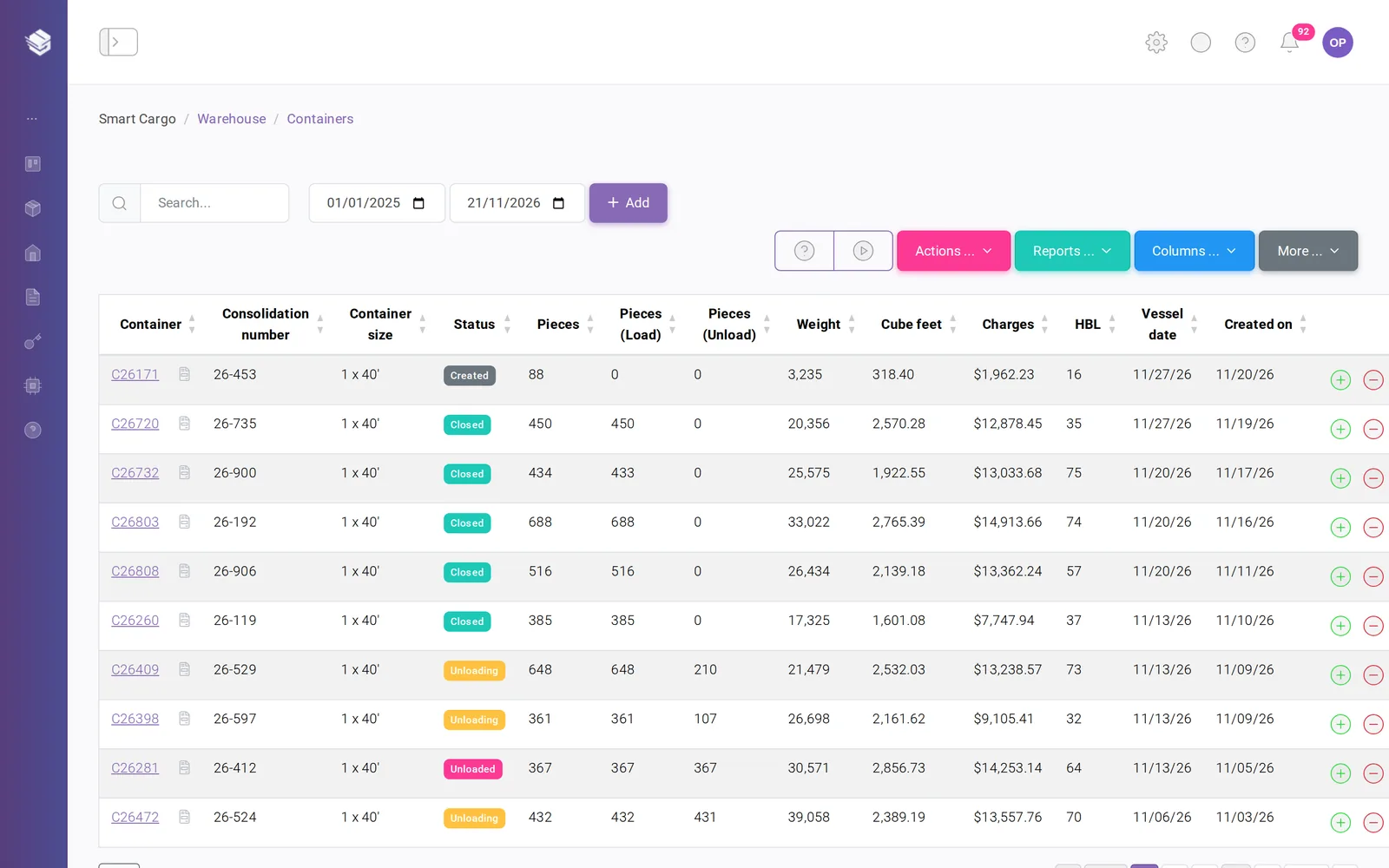
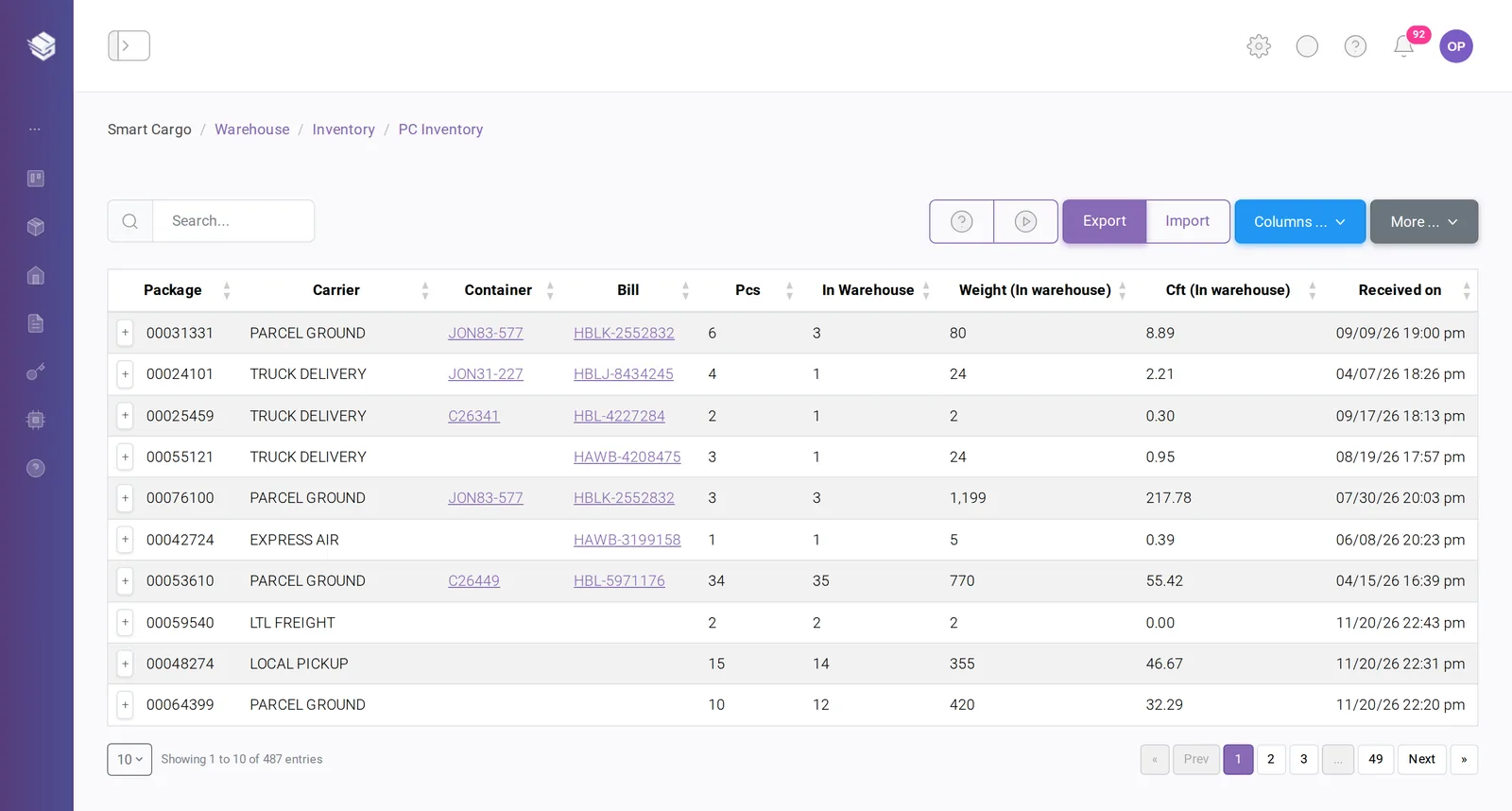
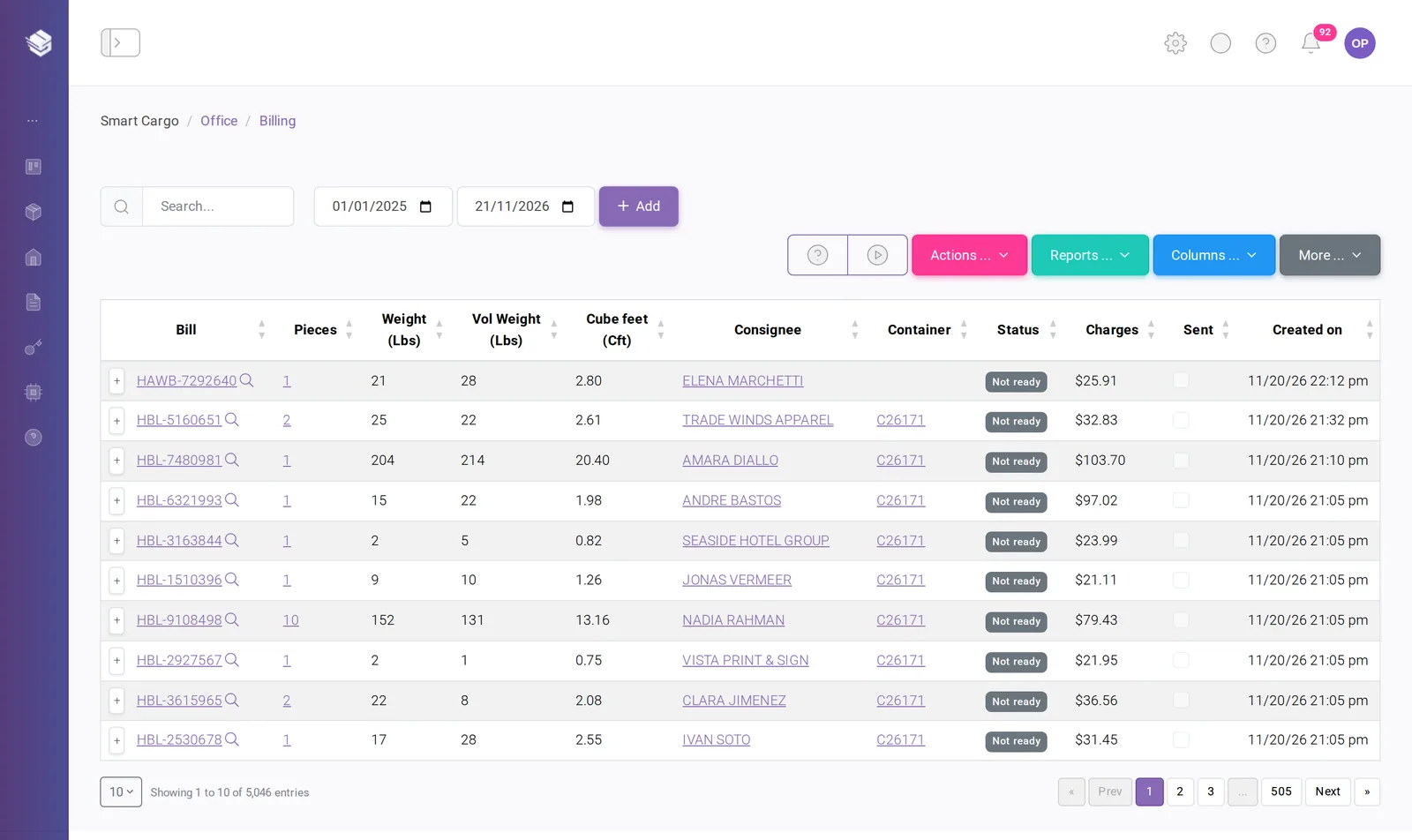
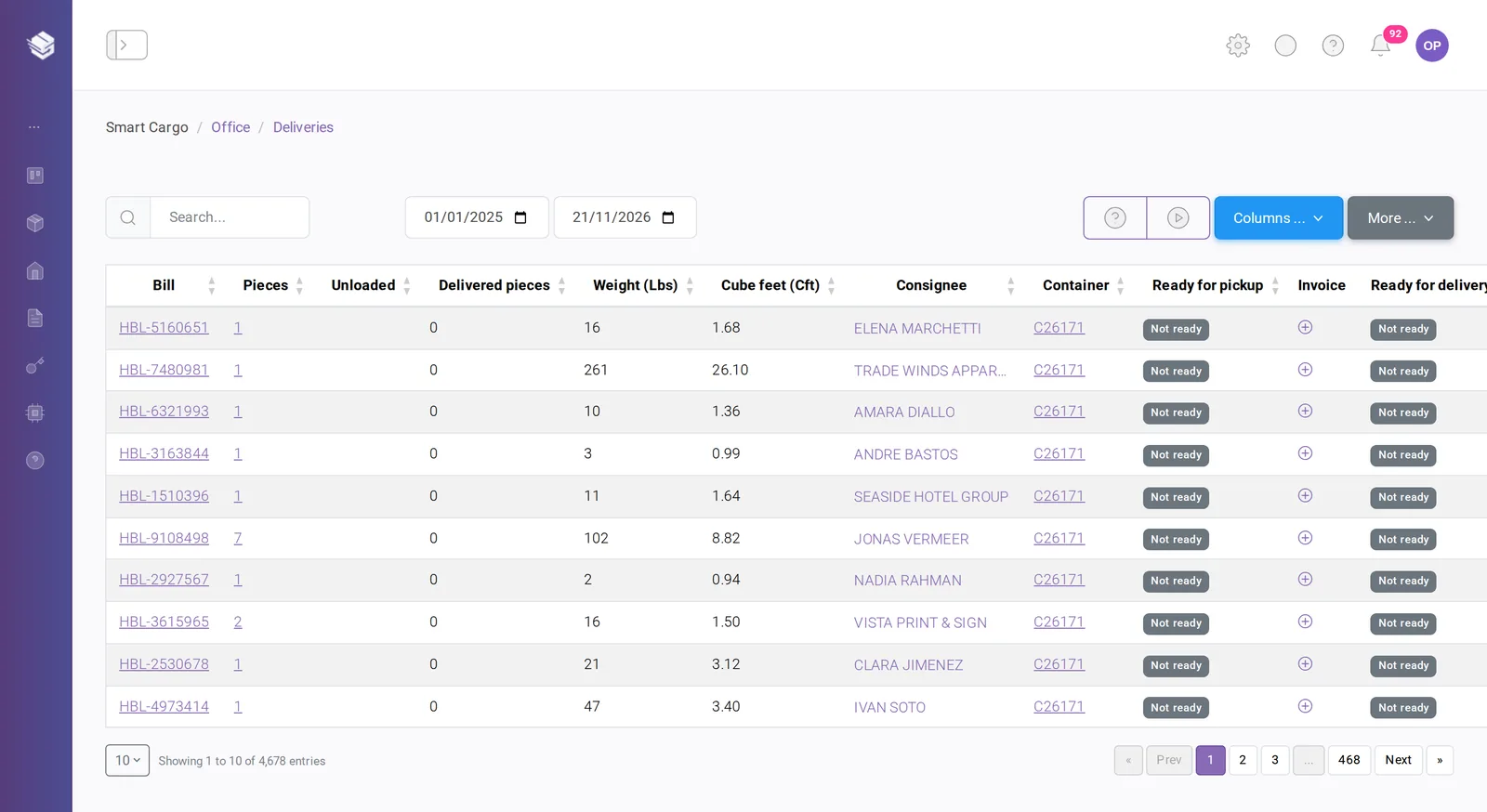
SmartCargo is a web platform that runs a cargo operation from end to end. It covers warehouse receiving, commercial invoices, container consolidation, billing, export and import customs declarations, delivery to the customer and a self-service customer portal, with one shared record for every package.
Who is SmartCargo for?
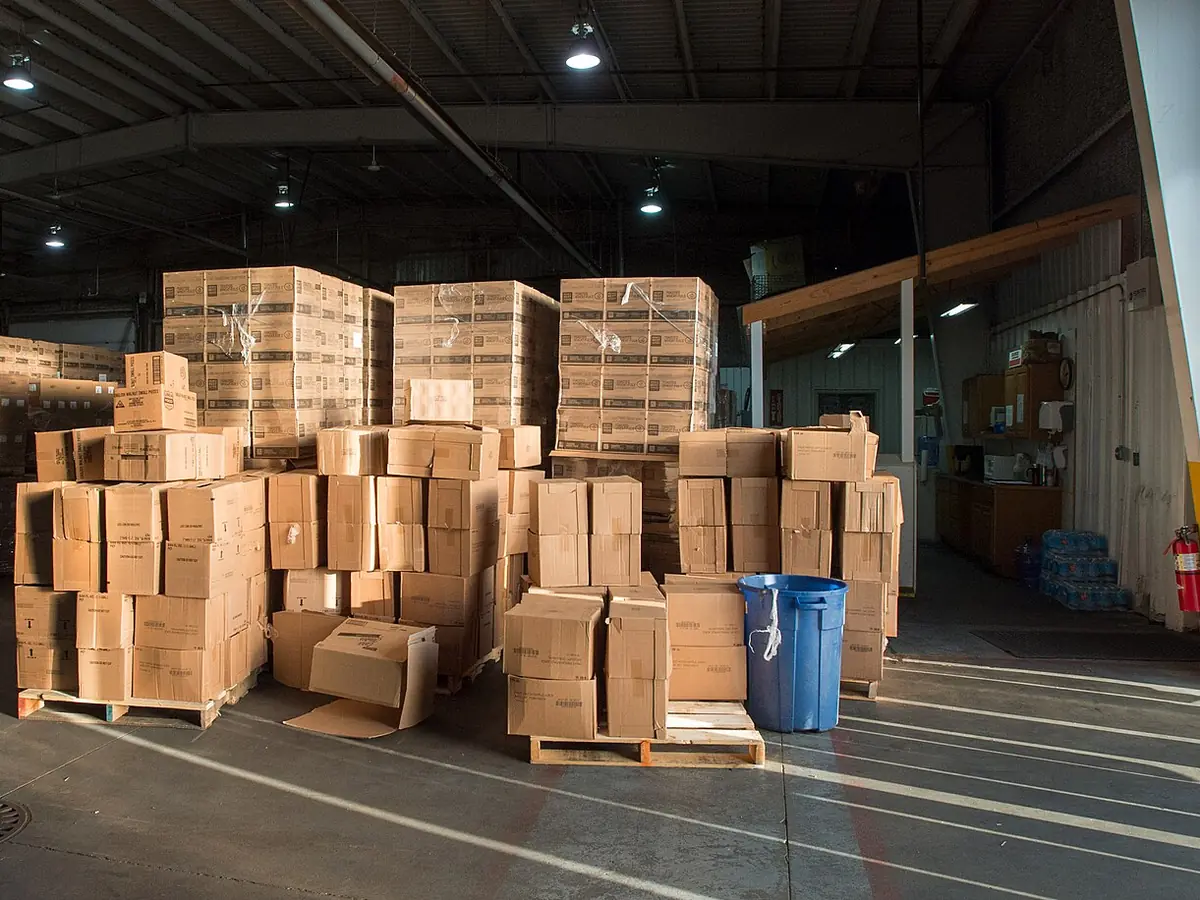
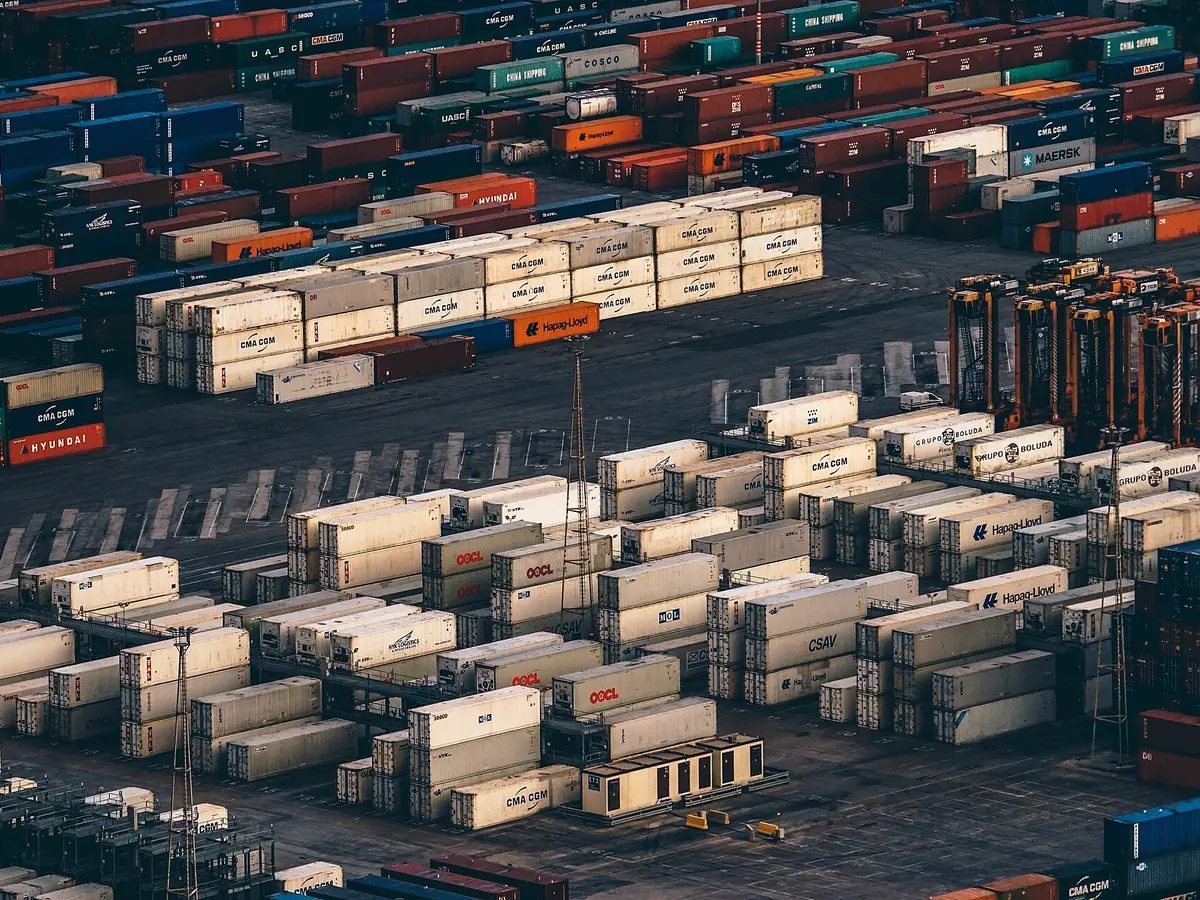
It is built for freight forwarders, consolidators, NVOCCs and package forwarding companies that receive cargo in an origin warehouse, ship it by ocean or air and deliver it at destination. Export and import offices work in the same system, and each one sees the screens that match its job.
Which customs filings does it handle?
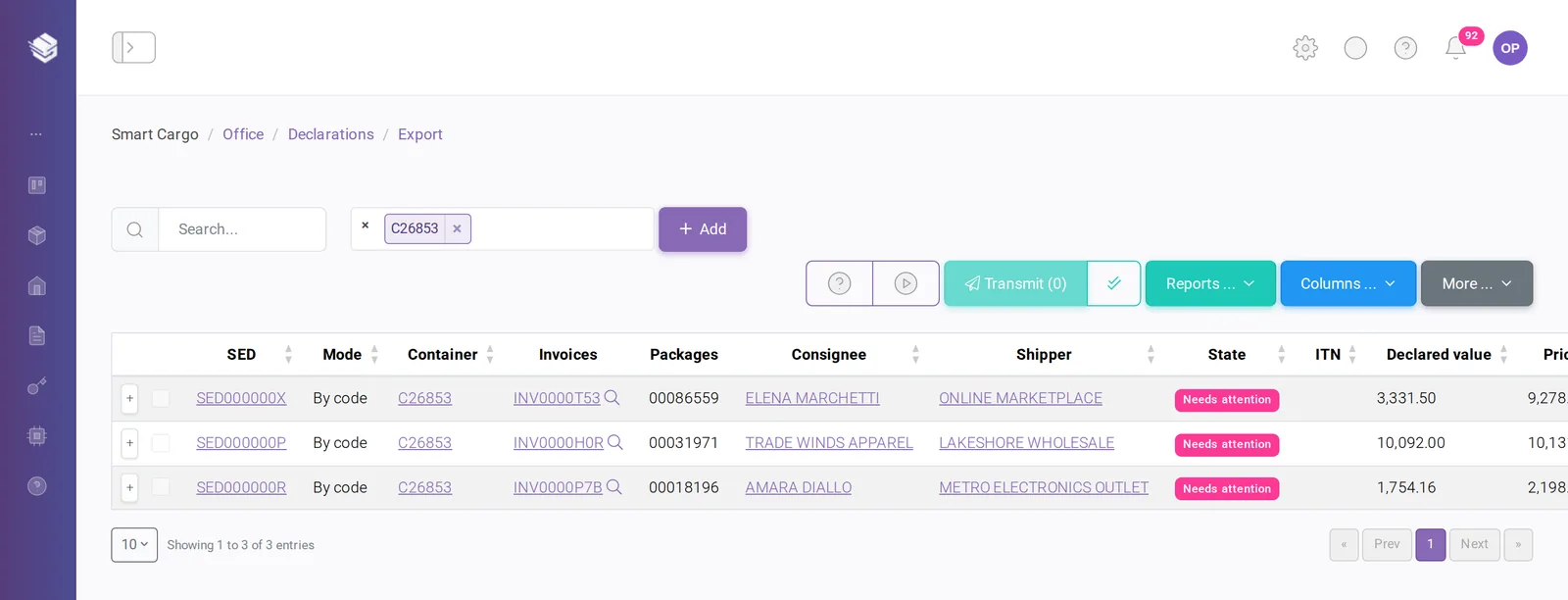
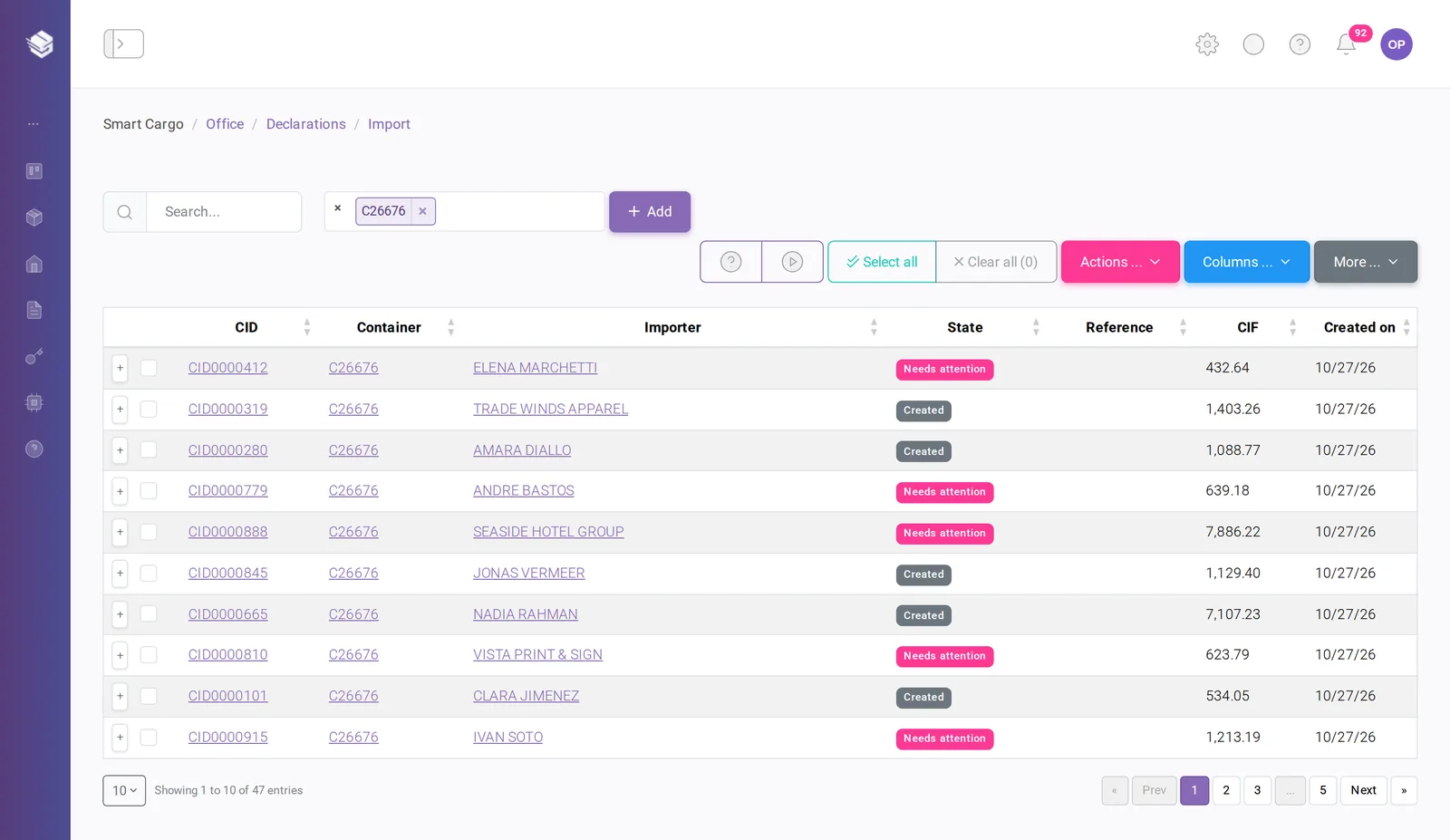
For exports from the United States, SmartCargo generates the export declaration (EEI/SED), applies the USD 2,500 threshold per Schedule B classification, transmits it to AES and records the ITN when customs accepts it. For imports, it generates one declaration per importer and container and builds the manifest file for ASYCUDA, the customs system used by many customs administrations.
How does the AI read and classify invoices?
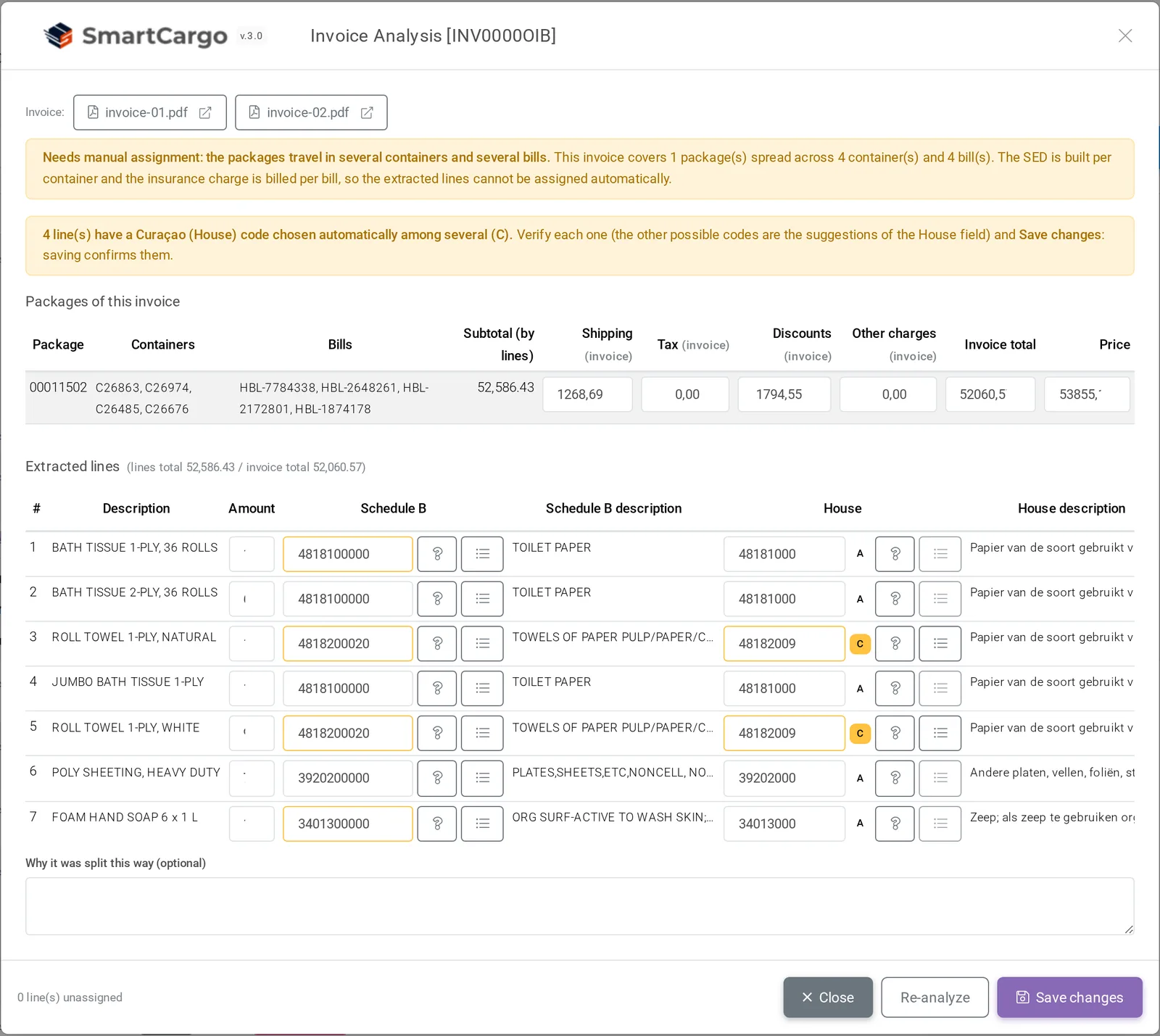
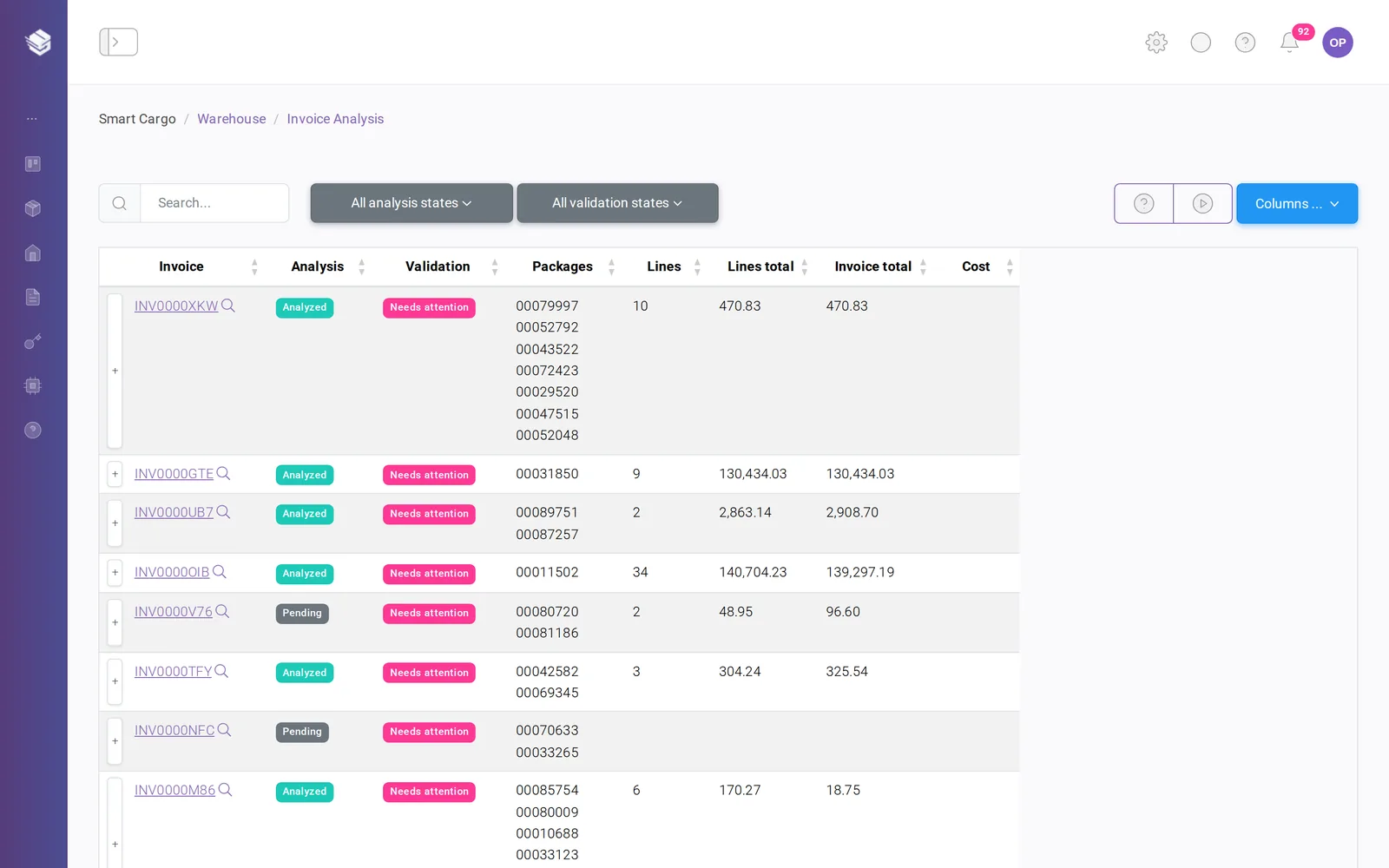
When a commercial invoice is attached to a package, as a digital PDF, a scan or a photo, SmartCargo reads it and enters each product line into the system with its description, quantity, price and amount, along with shipping, tax and other fees. It then classifies each product with the customs code for export and the customs code for import at destination. Invoices whose lines do not add up to the total, duplicates and unclear codes are sent to a review queue. A person validates them, and nothing is transmitted to customs until someone presses Transmit.
Do our customers get their own access?
Yes. The customer portal lets each customer see their packages and where they are, upload the invoice for a package, group packages into a shipment, request a quote and review their bills. Your team can also send a notice to every portal customer at once.
Does it work on the warehouse floor?
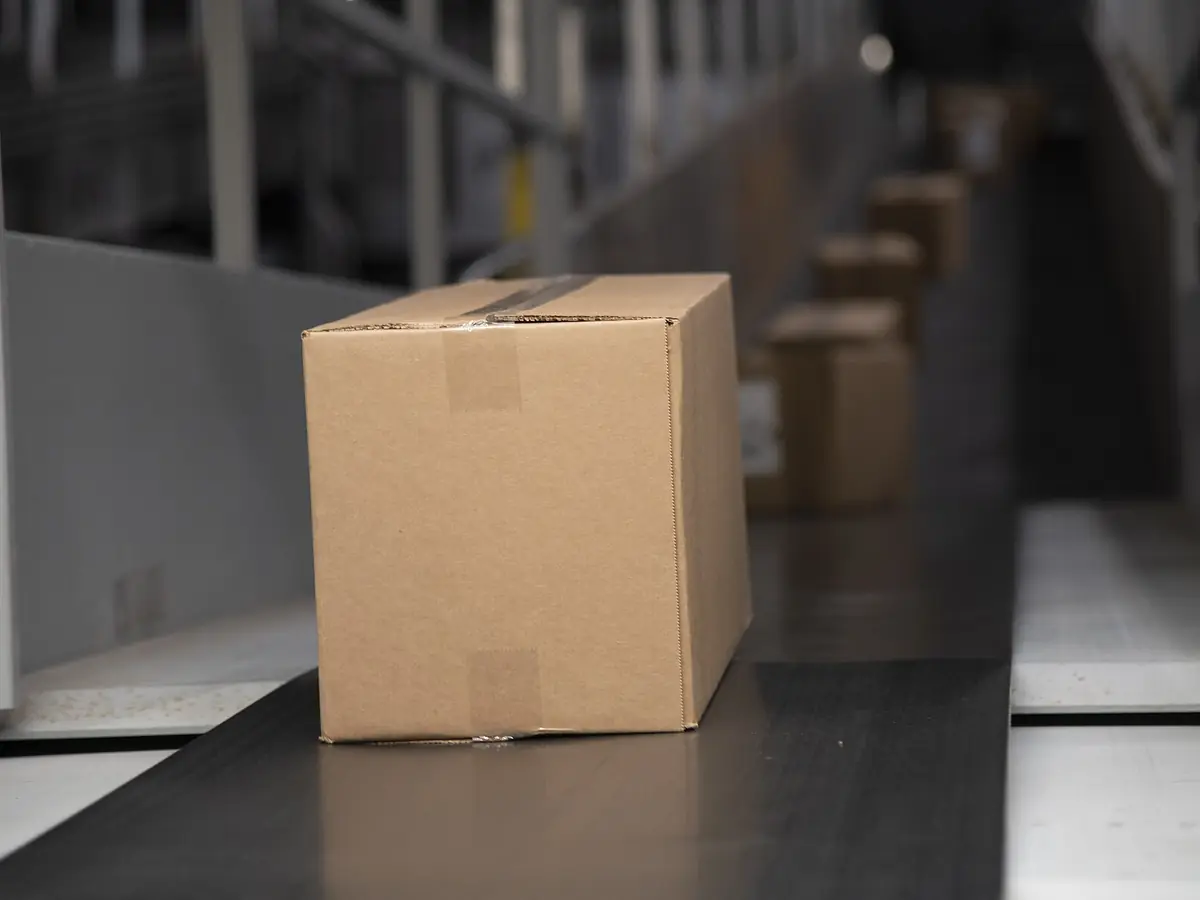
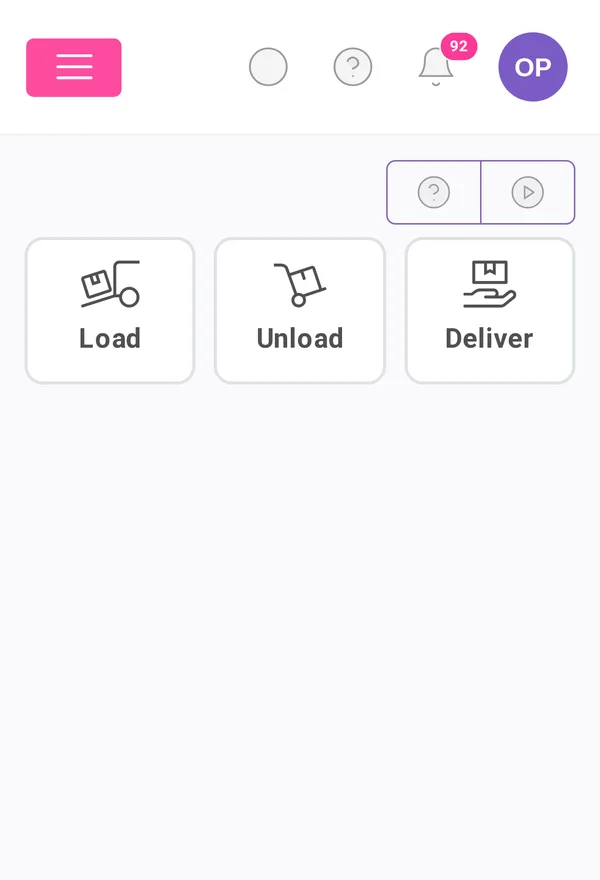
Yes. The Floor screen is made for a phone and a scanner. Staff load containers, unload them at destination and deliver to customers by scanning labels, with the same permissions and rules as the desktop screens.
How is access controlled?
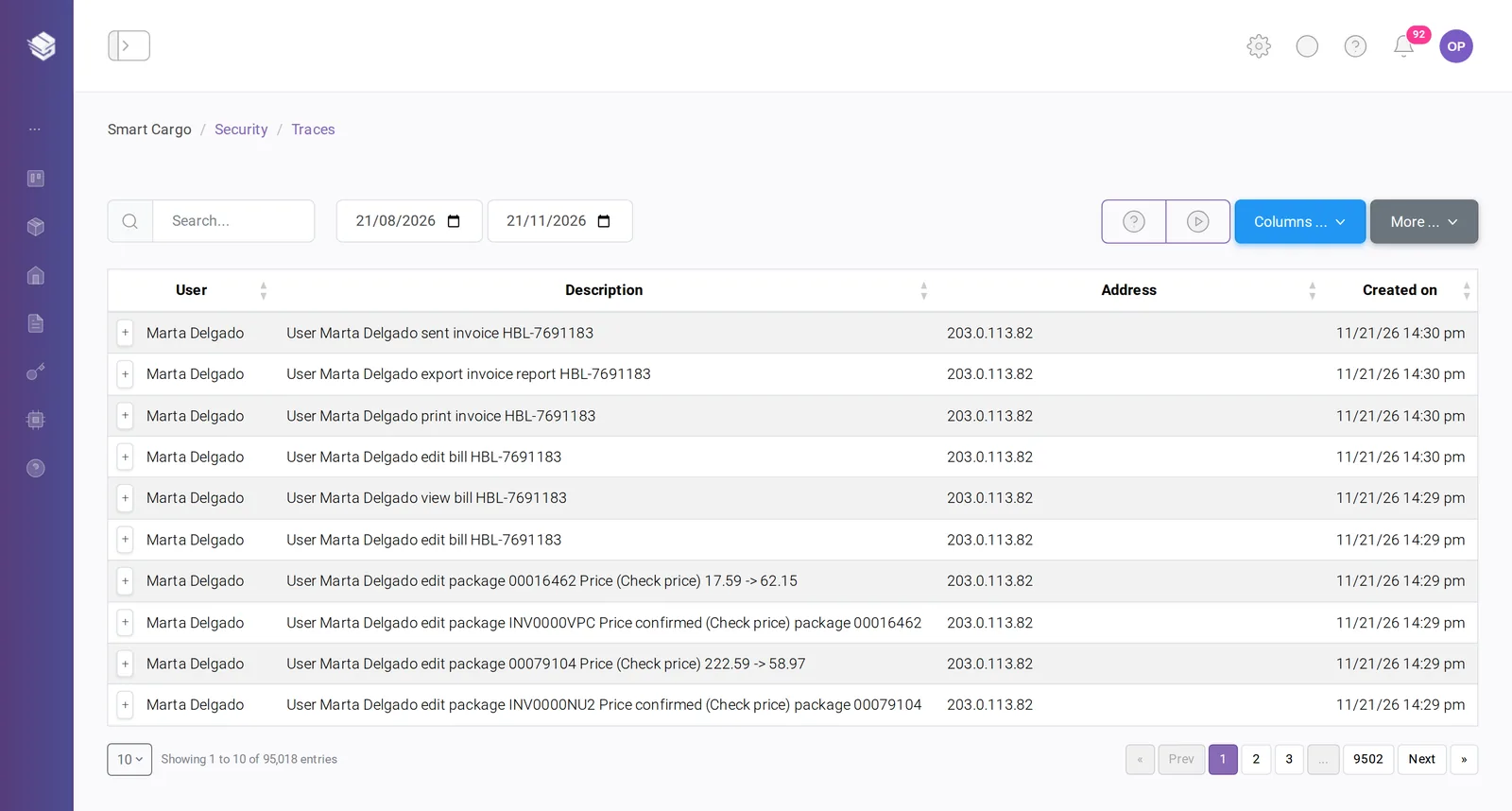
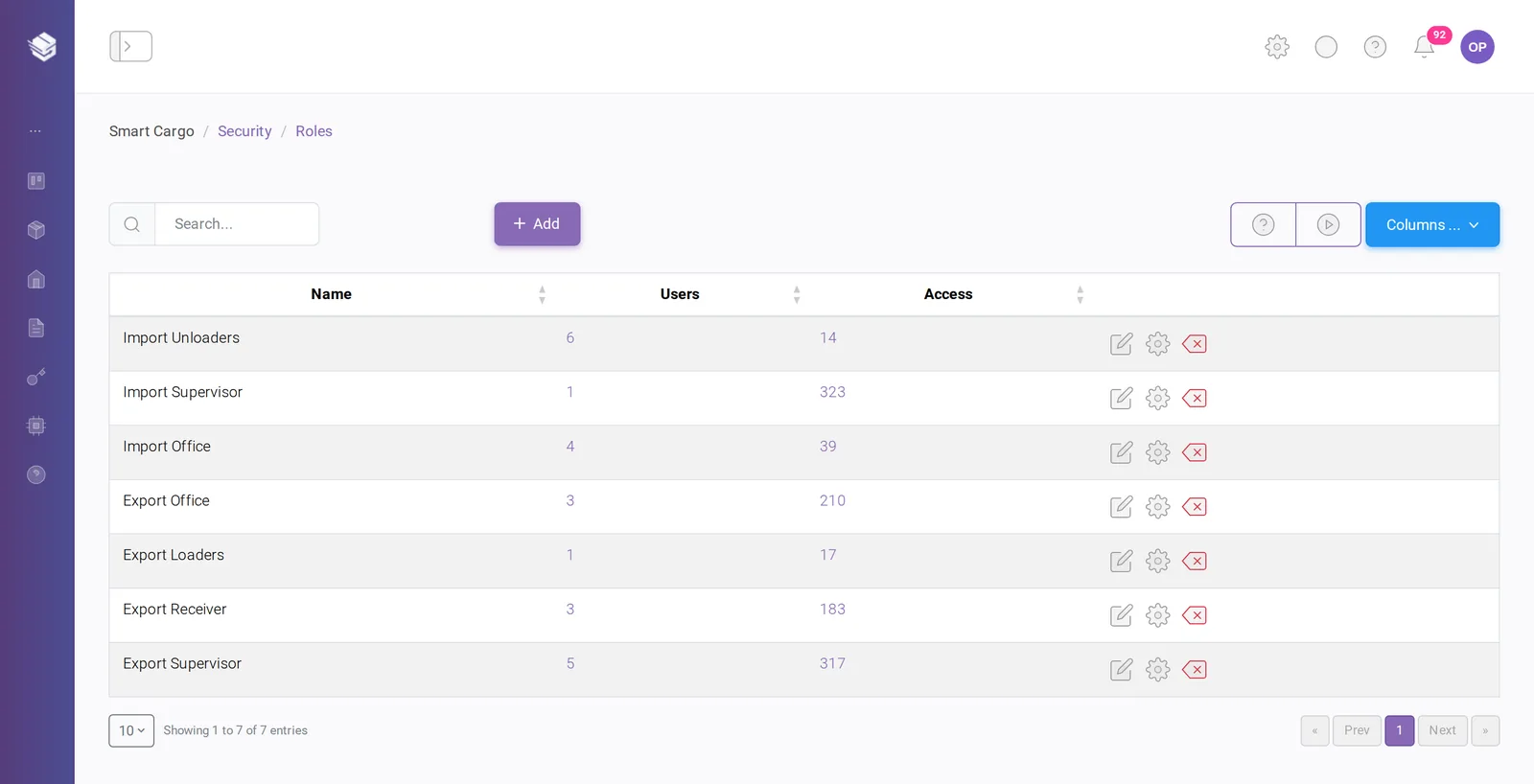
Permissions are granted through roles, with per-user exceptions when needed. A sign-in from a new device can require a supervisor’s approval, trusted devices can be revoked at any time, and every action is written to a trace log that cannot be edited or deleted.
Does it connect to our accounting?
SmartCargo exports container billing to QuickBooks and exports its lists and reports to files. Other integrations are reviewed during onboarding.
How much does it cost?
Pricing depends on the number of offices and users and on the customs modules you need. Request a demo and we will prepare a proposal for your operation.